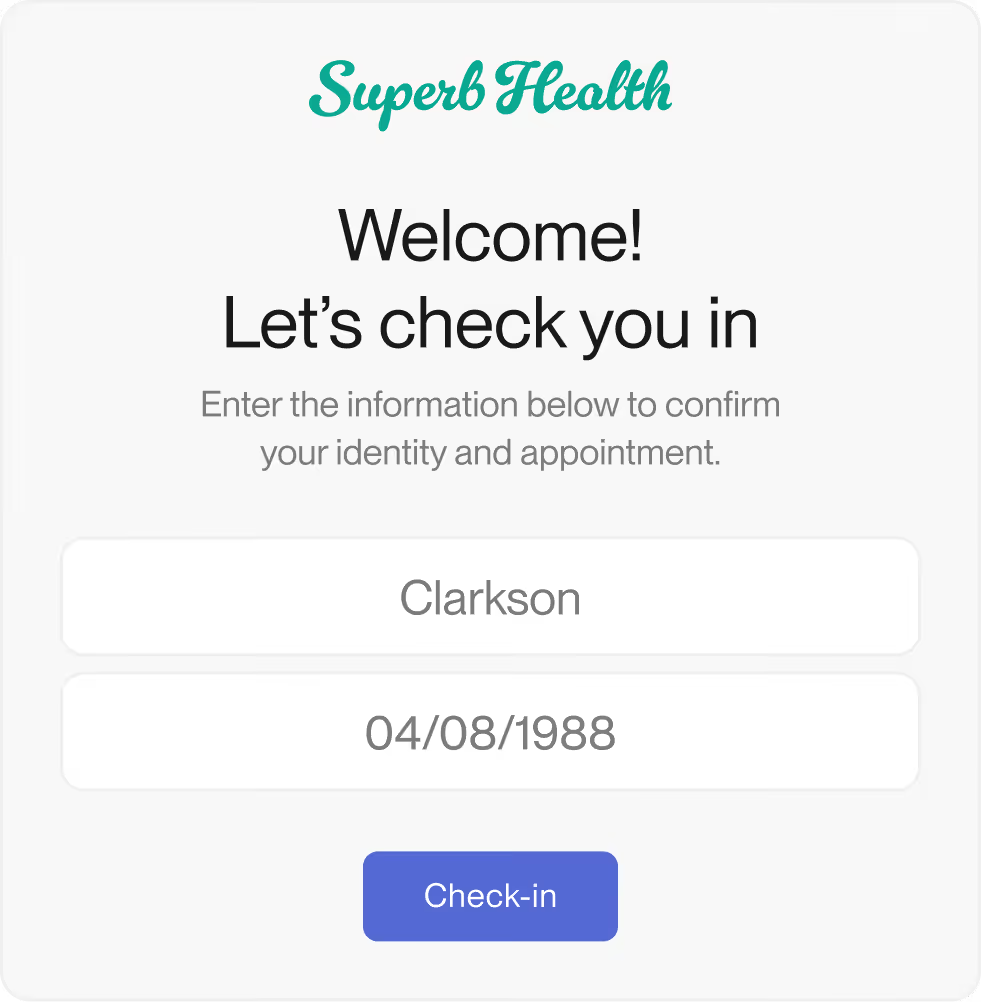
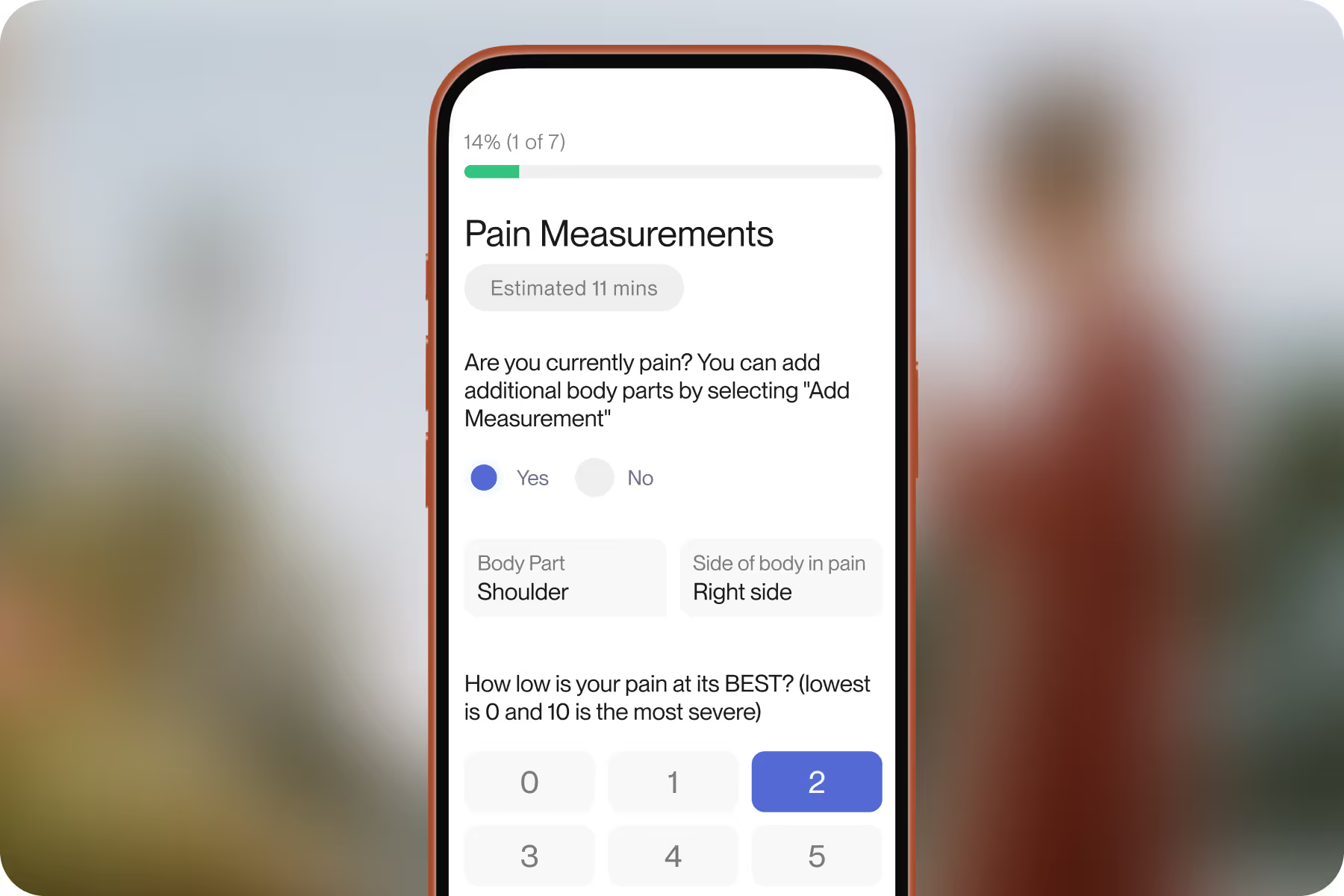
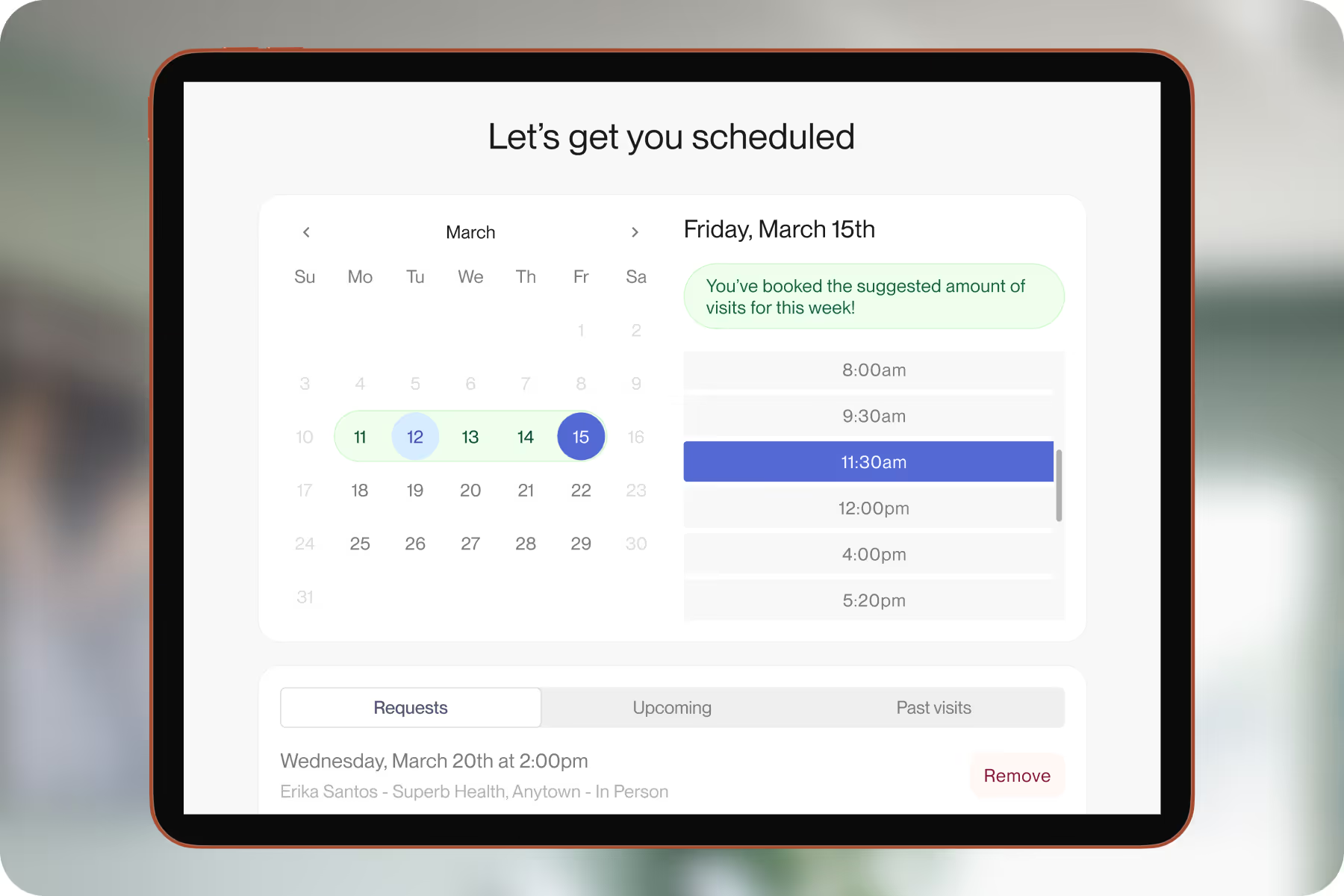
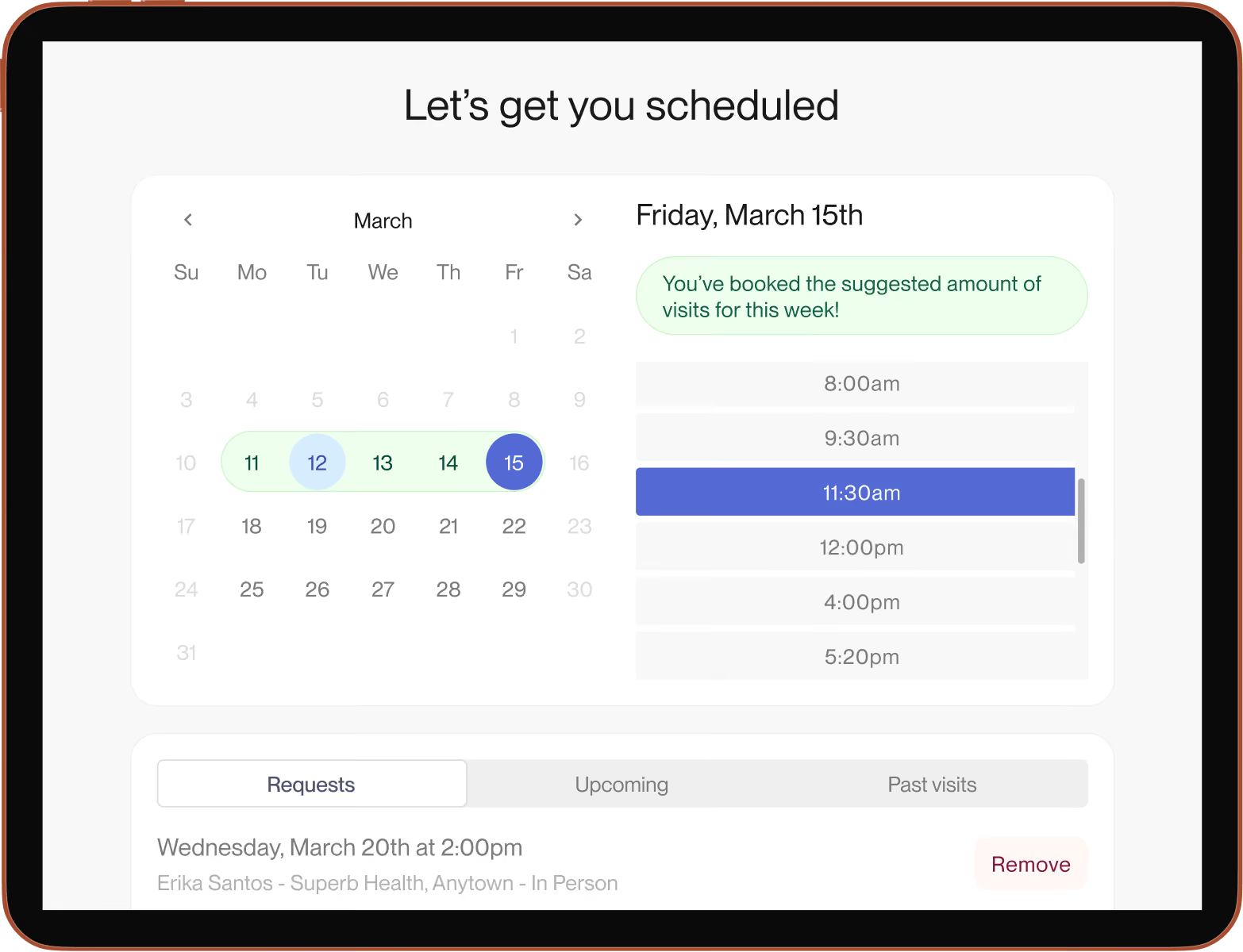
Let patients use their own devices for self-serve check-in and scheduling appointments.
Simplify front-desk workflows by collecting copays and balances at check-in
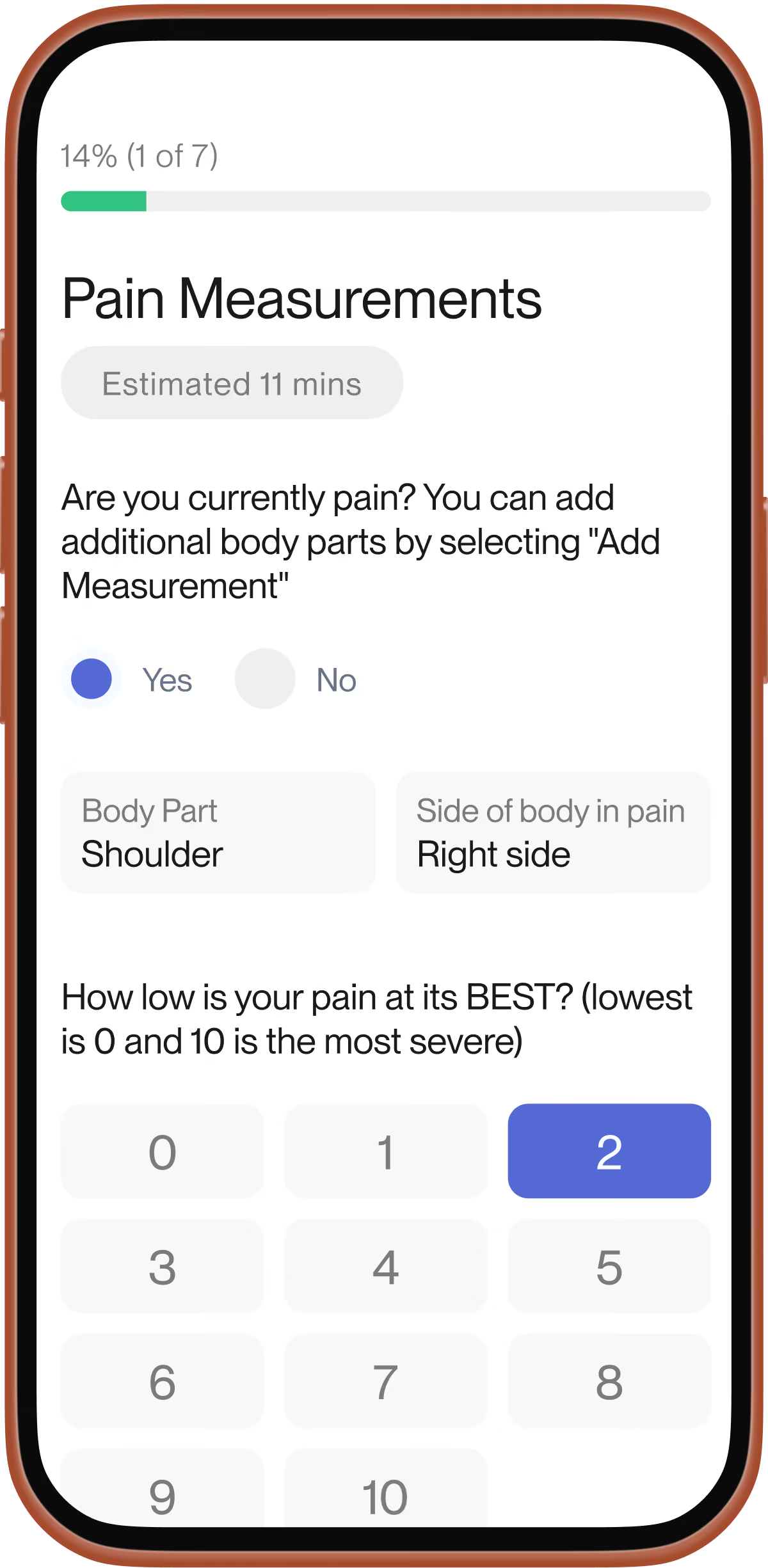
Add customizable patient intake data automatically to clinician documentation


in additional annual revenue per clinician
$32K
less documentation time
75%
more visits per provider per month after switching from legacy systems
15–20
of notes completed same day, during working hours
92%
lower provider attrition
35%
cut from note sign-off time
1 full day


.webp)
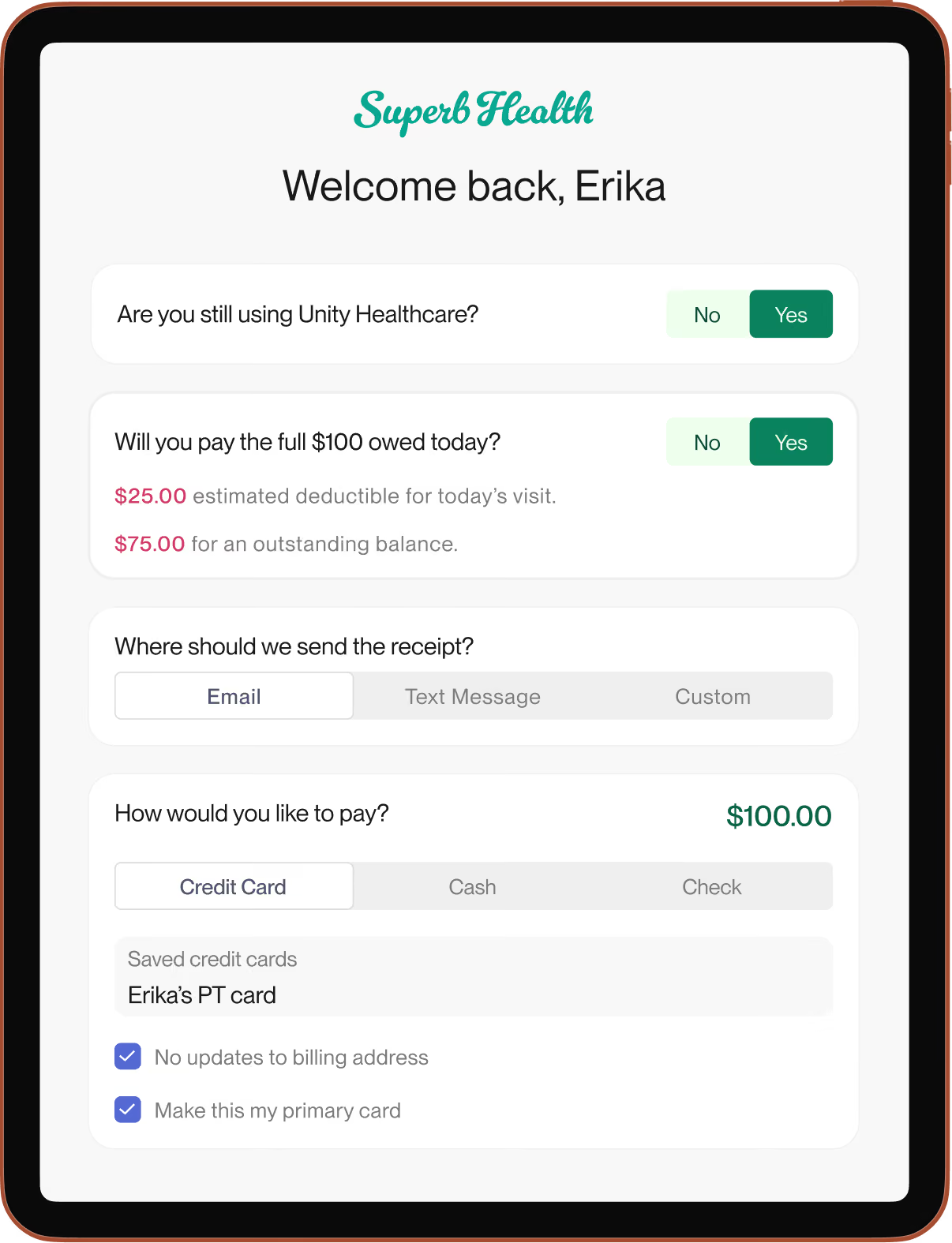
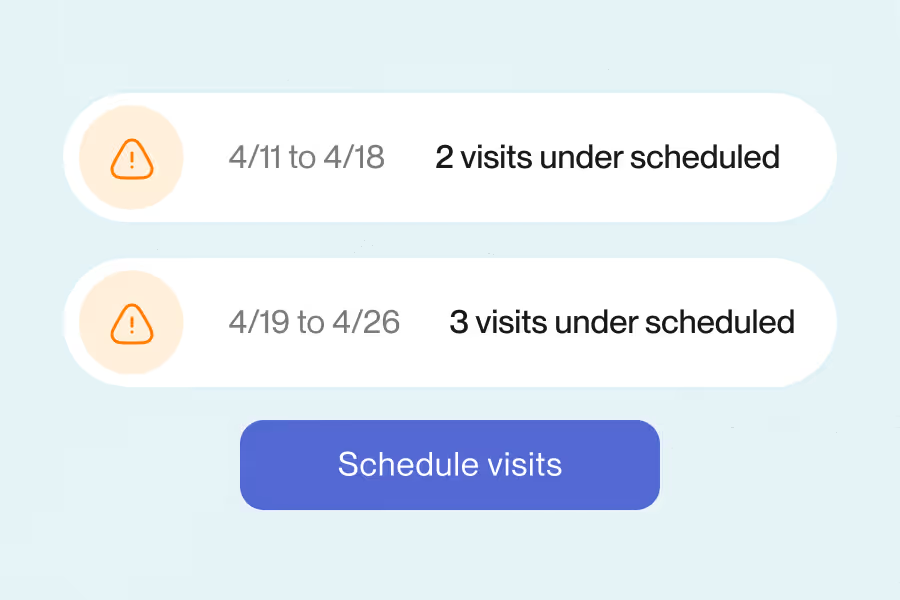
Prompt Kiosk is our self-service check-in tool. Your patients check in, pay for the visit, and complete forms on their own devices, which reduces interruptions and keeps your schedule on time, and the digital intake flows straight into the chart for clean records. It also surfaces outstanding balances so payment can happen at check-in, and prompts patients to book remaining visits before they leave.
Hardware is not required as patients can check in from their own phone or a QR code, however, if the team wants a device, For security reasons, we currently only recommend setting up a dedicated Kiosk at your facility/facilities with an Apple iPad while using Guided Access mode on the Google Chrome browser. Our team can walk you through the recommended setup for your clinic.
Yes to both. Kiosk loads in a browser on any device, so a clinic iPad works well as a dedicated check-in station, and your patients can also check in on their own devices, including their phones, before or when they arrive.
Very. It's a guided, self-serve flow. Patients check in, pay for the visit, and complete forms in a few simple steps, with the intake flowing straight into the chart. We designed it to replace clipboards and front-desk back-and-forth so lines move faster and paperwork disappears, and our team tailors the workflow and trains your staff so adoption sticks.
Yes. Because Kiosk lets patients check in, complete forms, and pay on their own, on a clinic device or their own phone, it's well suited to locations with a light or no front desk. You can use it to operate with reduced front-desk coverage (for example, on days a front-desk staffer is out), with patients self-serving the check-in steps. For a fully unstaffed setup, it's worth confirming your exact workflow with us.