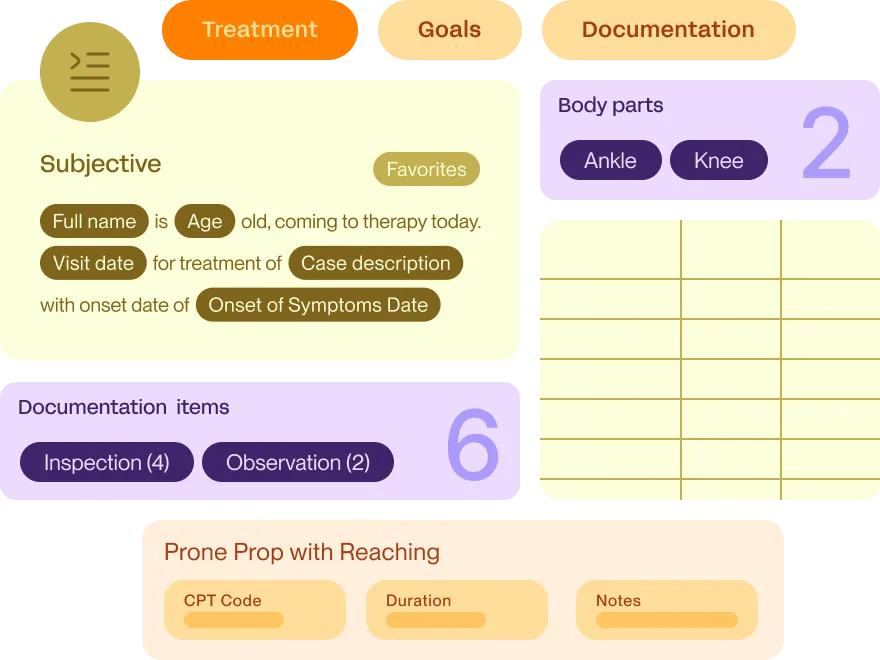
Prompt leverages AI and automation so that you can use your clinical expertise to review and revise notes, rather than having to input every single section. The result? Less time typing; more time treating.

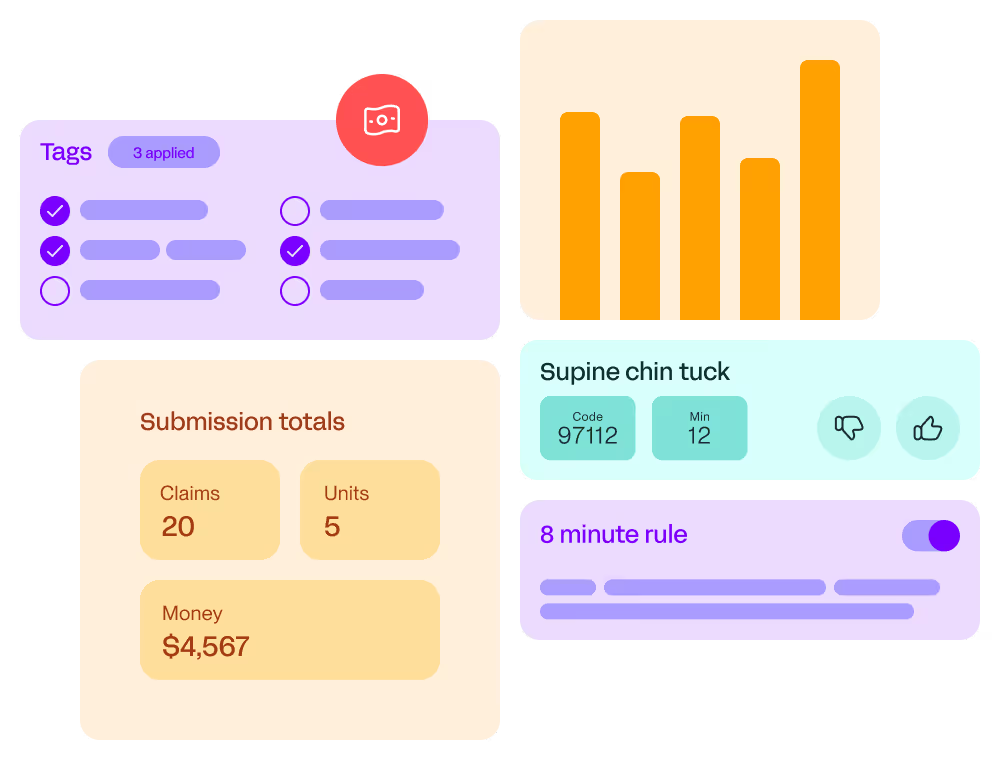
Stay in check with payer rules that automate alerts, reminders, and suggestions for required note criteria, including:

Quickly put together age-appropriate programs and keep families engaged between visits:

Get a head start on by using unlimited customizable and pre-made templates designed for pediatric care, including:


in additional annual revenue per clinician
$32K
less documentation time
75%
more visits per provider per month after switching from legacy systems
15–20
of notes completed same day, during working hours
92%
lower provider attrition
35%
cut from note sign-off time
1 full day
Learn about these additional capabilities and how they can help your business grow and thrive


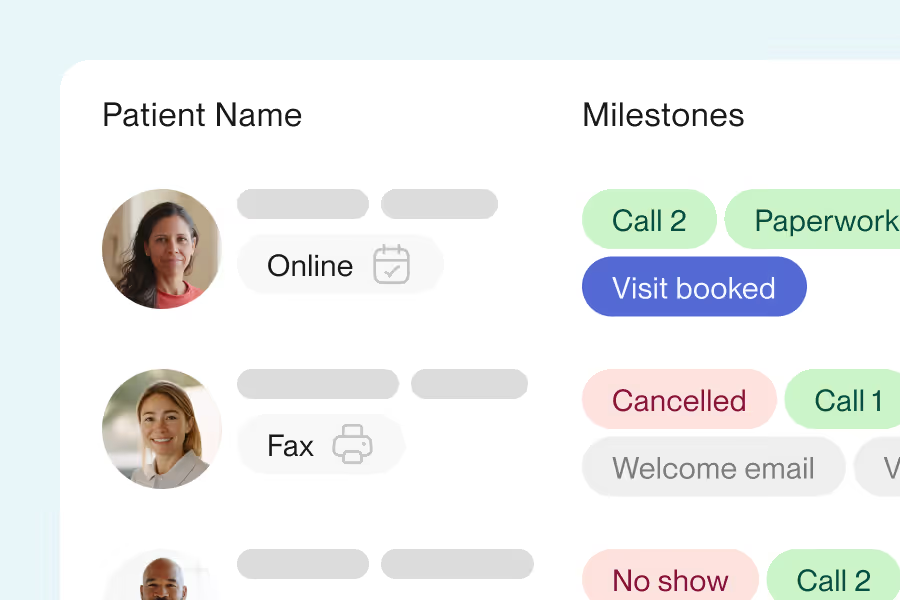
Yes. In the Company module under Settings, Intake and Documents, your team opens the Prompt Pediatric Intake editor and controls which fields appear, which stay hidden, and which are required, so the form matches how your clinicians work. Turn on the Prompt Pediatric AI Intake and the form customizes itself to each child, generating age-appropriate home and school questions from what the parent reports and drafting smart text and goals your provider reviews in the evaluation. You can build custom intake forms with your own questions and signature fields too, and send them alongside. Everything goes out by email from the Scheduling module, with subject line, body copy, and button text written in your voice.
Yes. Each discipline's care lives as its own case in Prompt, so a child can carry PT, OT, and SLP plans at the same time, each with its own plan of care, frequency, and expiration. Bulk schedule a recurring series per case and Prompt surfaces that case's POC frequency and expiration as you build it, so the series matches what's authorized. Conflict detection scans ahead for provider capacity, time off, and clinic closures, and you resolve anything flagged right in the drawer, with provider options defaulting to the same discipline so an OT swap surfaces your OTs and OTAs first. Your waitlist works per case too, inviting a child for their OT visit on a day they're already booked for PT, so families consolidate into one trip.
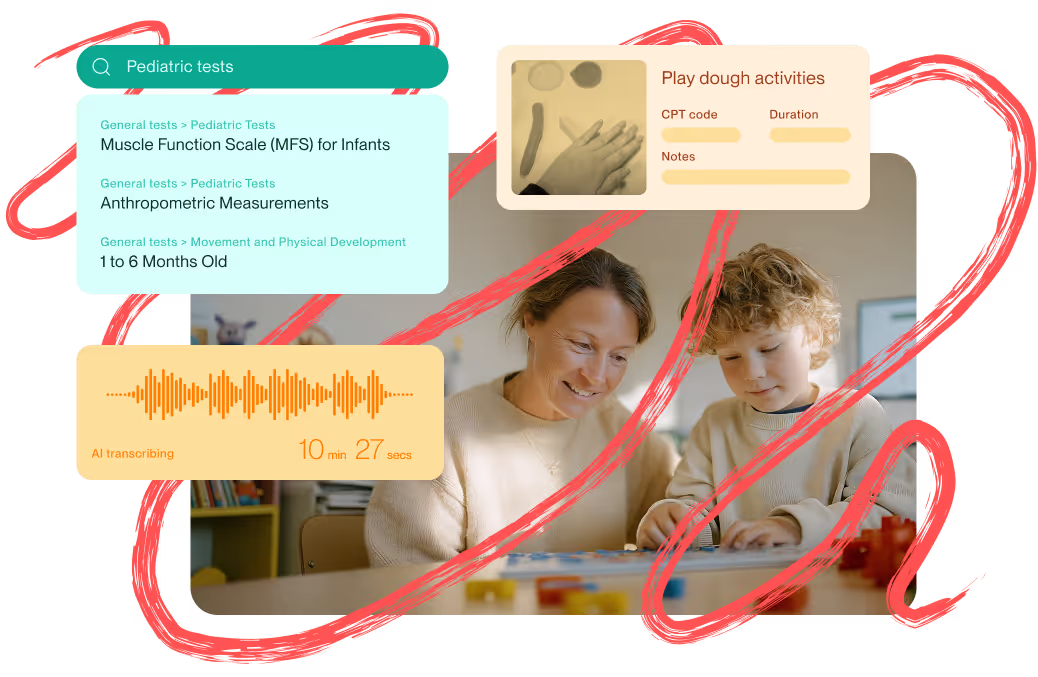
Sidekick is ambient. It listens in the background and drafts the note while your therapist stays focused on the child, which pediatric teams value since they often can't take their eyes or hands off a patient. Your team obtains patient or guardian consent before recording.
Pediatric sessions are loud and mobile, and Sidekick is built for that. It filters out the background noise of a busy gym so the clinical conversation comes through, and your therapists record from whatever device they already have with them, whether that's a laptop, tablet, or phone. Documentation follows them around the room instead of tying them to a workstation.
What comes back is a structured draft, not a wall of text. Sidekick maps what it heard into the right sections of your note, so subjective lands in subjective and assessment lands in assessment, and your therapist reviews and edits from there. They can also dictate straight into a specific area of the chart, or combine that with ambient recording in the same session. You can configure pediatric-specific terminology and goal structures so the output matches your clinical voice.
For scenarios like largely non-verbal patients or group and multi-child sessions, it's worth seeing a live example, since results depend on how the session and your custom instructions are set up. We'll walk through it with you.
We include a pediatric documentation library built by pediatric clinicians, with developmental milestone tracking, OT sensory-oriented templates, custom assessment tables, and the ability to create discipline-specific eval templates and/or structures for PT, OT, and SLP. If you rely on a specific standardized, scored instrument (for example, Sensory Profile 2), it's best to confirm in a demo exactly how that assessment is captured and scored in Prompt.
We handle pediatric outpatient billing natively, connecting documentation to claims with payer rules, eligibility alerts, and clearinghouse submission. Early intervention programs vary by state and can have program-specific codes and requirements, so we'd confirm your specific EI billing workflow with you to make sure it maps cleanly to how your state's program works.
Yes. Prompt includes a home exercise program, or home program, built into the chart. Your clinicians assign one from the Treat tab while they document, setting how many days a week and times per day, adding instructions, and adjusting sets and reps per activity.
The content is yours to shape, which is what matters in pediatrics. Your therapists add their own activities to the Library themselves, including play-based exercises, caregiver handouts, and educational PDFs, with no support ticket and no waiting. Pull them into any program, and attach a video link so it becomes a Watch Video button for the family.
Families get the program by text or email, secured by date of birth, and the link never expires, even after discharge. Parents mark activities complete and leave a comment on each one, which lands back in your therapist's Engagement tab. When paper works better for a young child, print at large font with one or two activities per page. For how deep the library goes on pediatric-specific or play-based content for young children, it's worth reviewing the library live with us in a demo.