Features
Scheduling

Never lose another slot.

Fill cancellations and white space with smart automation that uses your waitlist, care plans, and patient preferences to keep your schedule full.

Prompt keeps your schedule full

Stats to consider

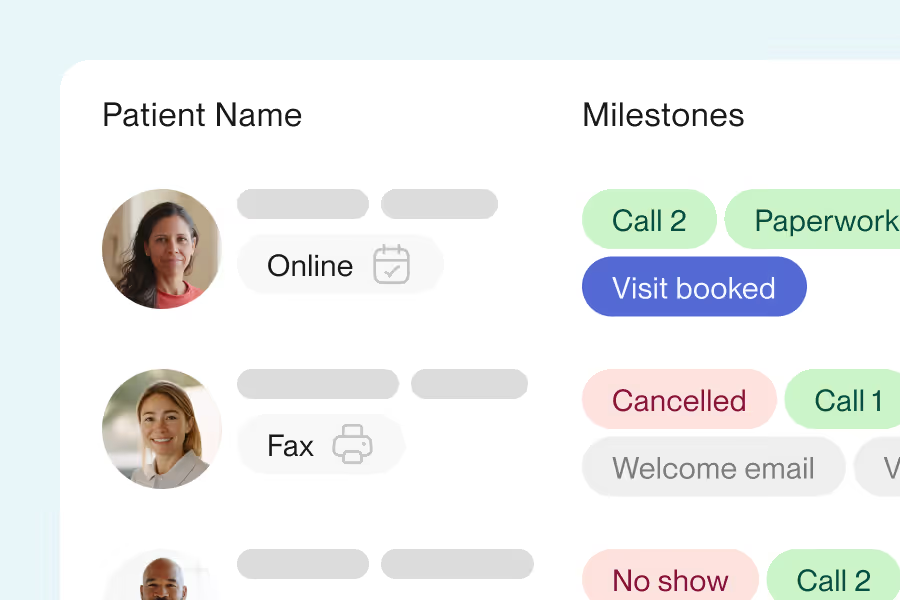
Give patients (even new ones!) the flexibility to book (or request) their own appointments. Source

67%

of patients prefer to book online

40%

of requests are after hours

92%

of clinics have enough active patients to fill schedules at 100%

26%

lower cancellation and no-show rate for visits booked online

4PM

or later on Sunday is the most popular time for visit requests

Customize to support your workflow

Book a demo

Let’s get the ball rolling by letting us know how to contact you and a little information about your practice.

Frequently asked questions

  • Yes. Patients can book online from your website, emails, or texts. Self-scheduling is built for therapy's multi-visit plans, not one visit at a time. To cancel or reschedule, patients call your clinic, keeping those changes in your team's hands. If you'd rather have control over booking, too, you can approve all appointment requests and set rules for clinicians, locations, and messaging.

  • Yes. We send automated confirmations and reminders by text and email to limit no-shows and keep patients consistent. Confirmations go out on a set schedule, and you control which clinicians and locations are included. Some aspects of the messaging can be customized, though not fully. Reminders are included in your plan, not an add-on.

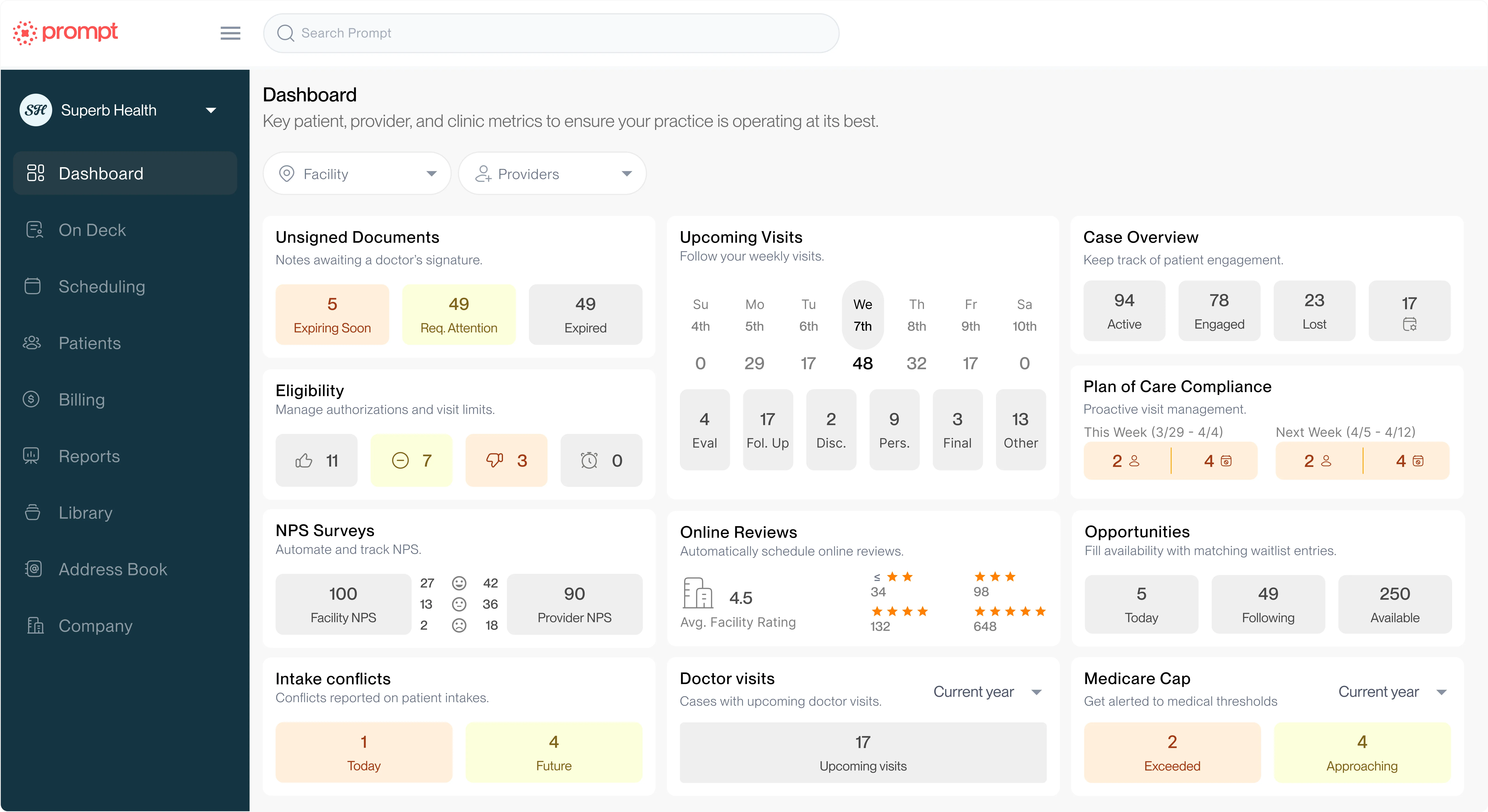
  • Yes, this is a Prompt Plus feature. Patients get automatic notifications when they fall behind on their plan of care, with a link to schedule online and get back on track. Teams without Prompt Plus can still see all under scheduled patients in one dashboard tool.